Latest Version
Refractored LLC
Entertainment
Windows
Free
9n5nxx3wk7k7
Report a Problem
More About My Stream Timer
When you are live on stream, keeping your audience engaged during pre-shows, breaks, or countdowns is crucial for retaining viewers. My Stream Timer stream countdown app offers a seamless, reliable way to manage time-based overlays directly within your favorite broadcasting software. Built specifically by a streamer for streamers, this Windows utility eliminates the complexity of setting up on-screen clocks, allowing you to focus entirely on your content and audience interaction.
How the My Stream Timer Stream Countdown App Works
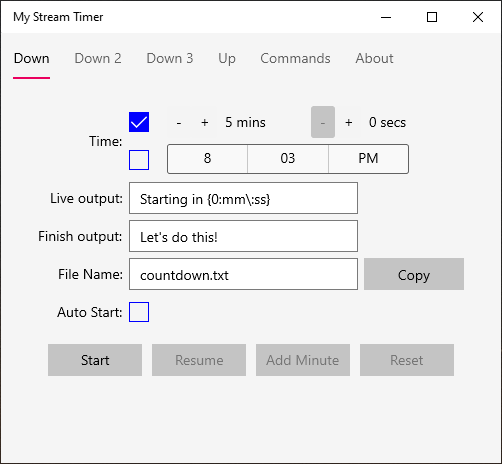
Unlike complex overlay systems that require heavy system resources, My Stream Timer operates on a simple yet highly effective principle. The application writes real-time countdown or count-up data directly to a local text file on your Windows device. From there, popular streaming platforms like OBS Studio, Streamlabs, or vMix can easily read this text file and display it as a dynamic on-screen label. This local file method ensures virtually zero performance impact on your gaming or streaming rig.
Key Features for Professional Broadcasters
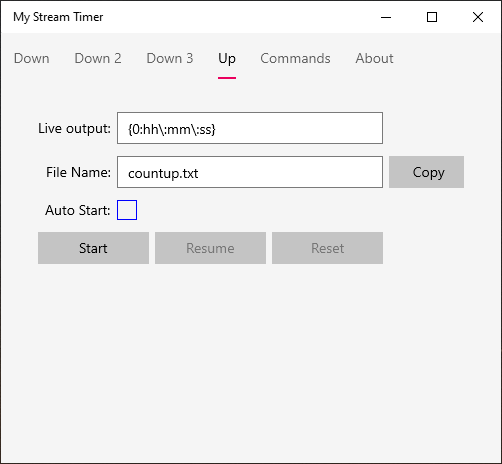
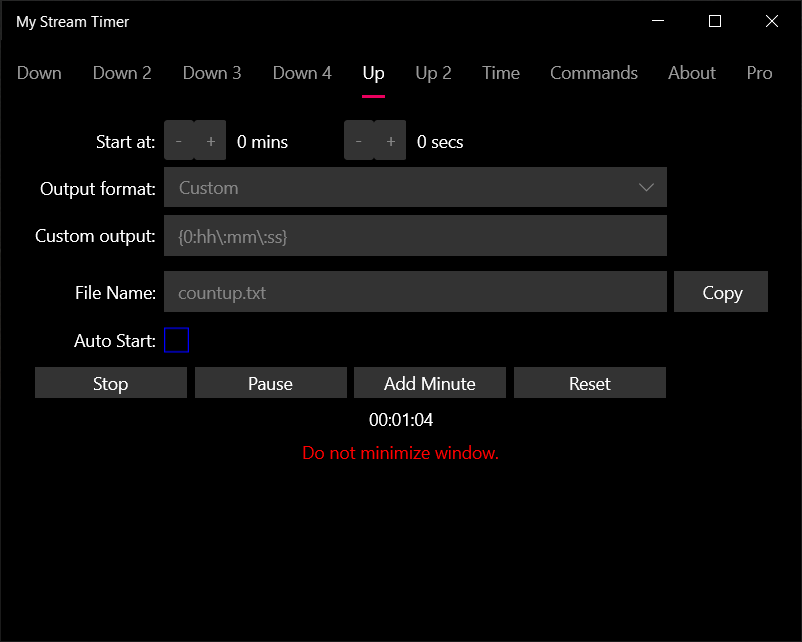
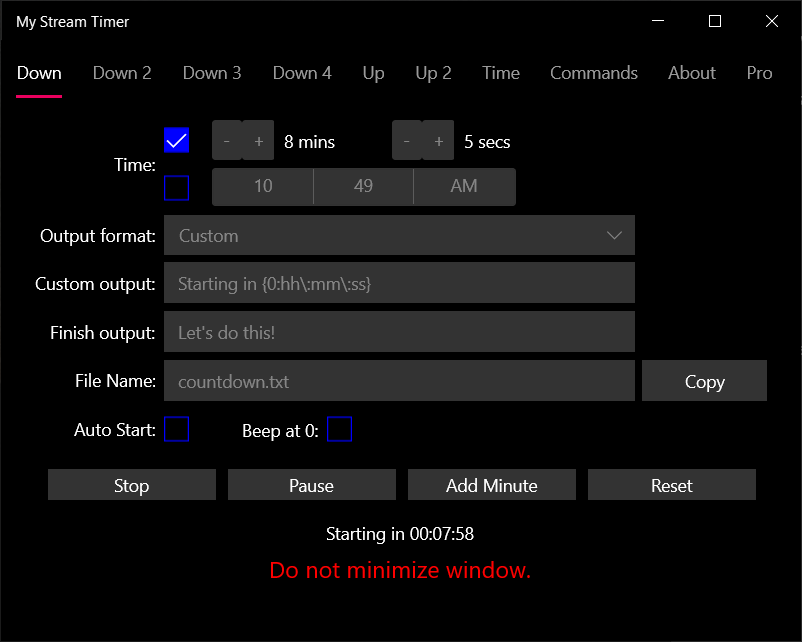
- Flexible Timing Modes: Easily configure precise count-down or count-up timers depending on your segment needs.
- Customizable Messaging: Set tailored display messages that show while the timer is actively counting, as well as specific completion messages when the clock hits zero.
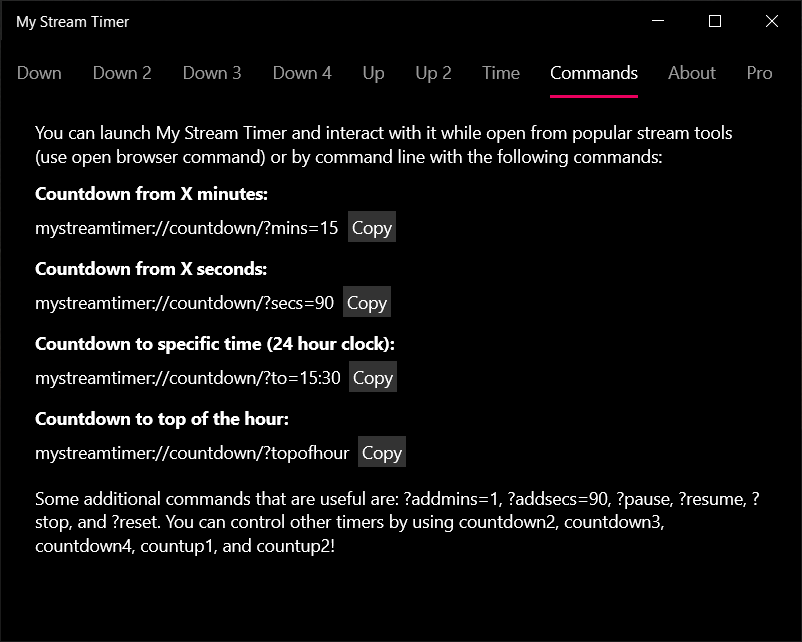
- Stream Deck & Command Line Integration: Trigger, reset, or modify your timers instantly using command-line arguments or popular streamer control devices.
- Lightweight Windows Native Performance: Optimized specifically for the Windows environment to run quietly in the background without hogging CPU cycles.
Who Is This Timer Utility For?
Whether you are a casual variety streamer or a professional esports tournament organizer, keeping track of time is essential. The My Stream Timer stream countdown app is perfect for creators who want clean "Starting Soon" screens, speedrunners tracking their personal bests, or talk show hosts managing segment lengths. Its integration with physical control decks makes it incredibly easy to operate mid-broadcast without breaking character or interrupting your gameplay flow.
Enhance Your Broadcast Production Today
If you want to elevate the overall production value of your channel with professional, automated timing elements, this utility is an outstanding choice. You can learn more about this software and add it to your broadcast toolkit by visiting the official Microsoft Store page for Windows.
Rate the App
User Reviews













Popular Apps









Editor's Choice