

Latest Version
Matthias Gansrigler-Hrad
Tools
Mac
$8.99
457622435
Report a Problem
More About Yoink - Better Drag and Drop
The Drag-and-Drop Dilemma on macOS
Picture this: you are working in a full-screen window, trying to drag an image from Safari into a specific folder deep inside your Finder. You click, drag, and then realize you do not have enough fingers or screen real estate to navigate back to your destination without dropping the file prematurely. It is a frustrating, clumsy ritual that interrupts your creative flow.
This is precisely where Yoink - Better Drag and Drop comes to the rescue. Developed by Matthias Gansrigler-Hrad, this premium macOS utility acts as a temporary digital shelf, fundamentally changing how you move files, images, and clipboard content across windows, spaces, and applications.
How Yoink - Better Drag and Drop Optimizes Your Workflow
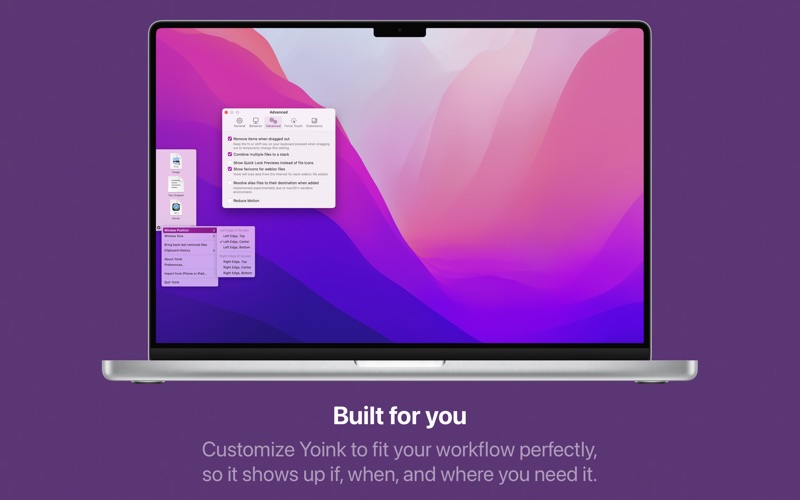
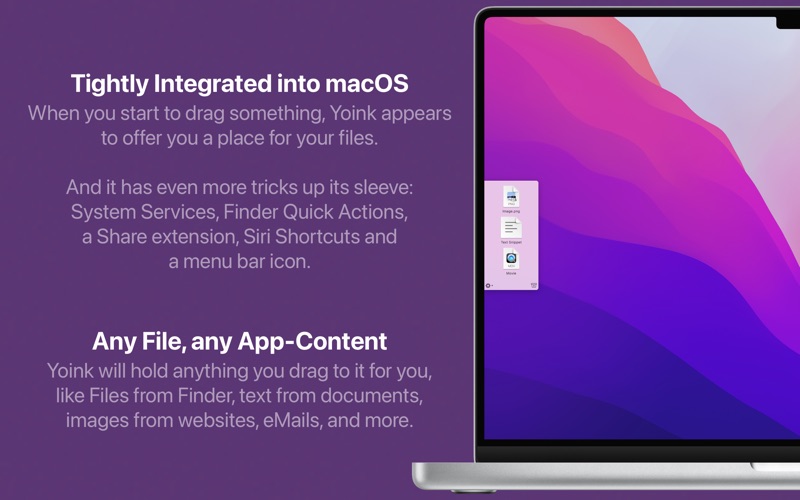
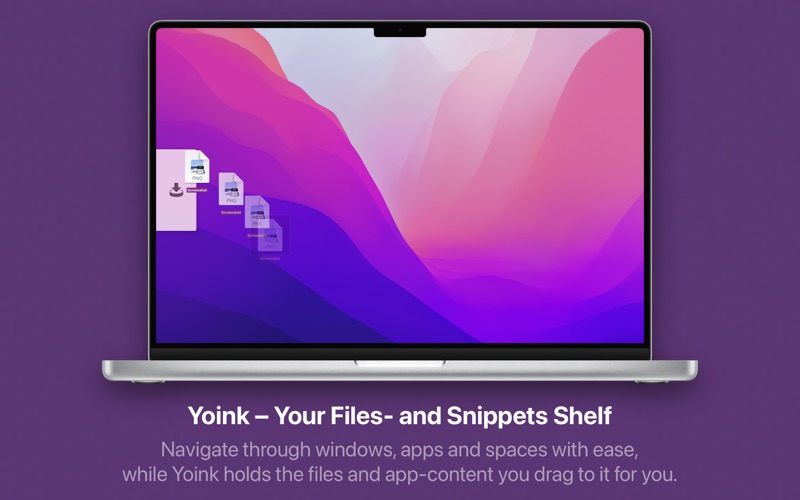
At its core, Yoink - Better Drag and Drop simplifies your daily file management by letting go of the requirement to keep your mouse button pressed. When you start dragging a file from Finder or content from an app, a compact, clean interface fades in at the edge of your screen. You simply drop the files onto this shelf, navigate freely to your destination application or desktop space, and then drag the files out of Yoink to place them exactly where they need to go.
Standout Features for Power Users
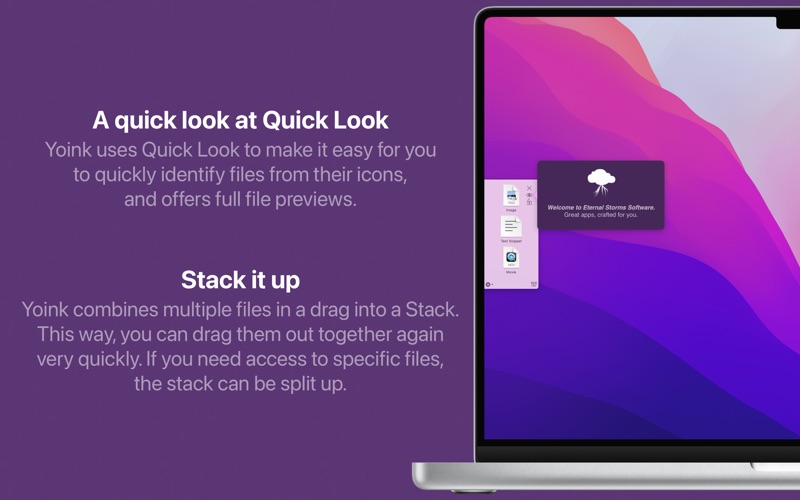
- Smart Stacks: When you drag multiple files onto the shelf simultaneously, Yoink condenses them into a single Stack. This makes it incredibly easy to move groups of assets together or extract them individually.
- QuickLook Integration: You can preview files directly on the shelf using macOS QuickLook, ensuring you always grab the correct asset without opening a separate app.
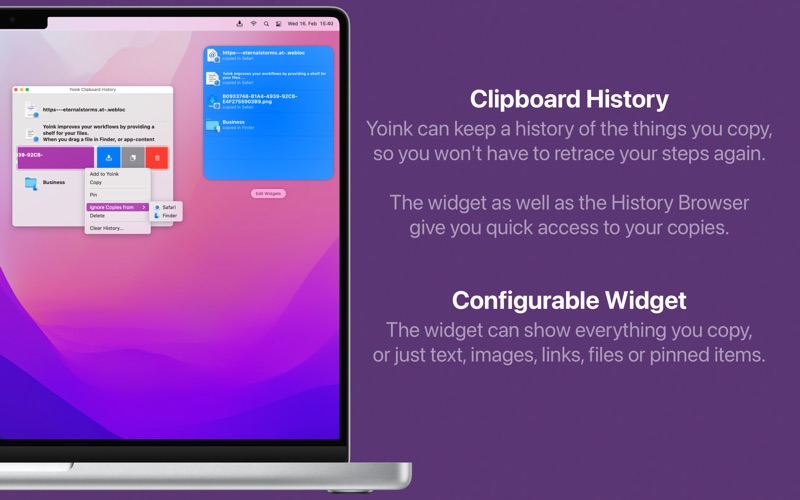
- Clipboard History: Yoink keeps track of your recently copied items, allowing you to easily drag previously copied content back into your active workspace.
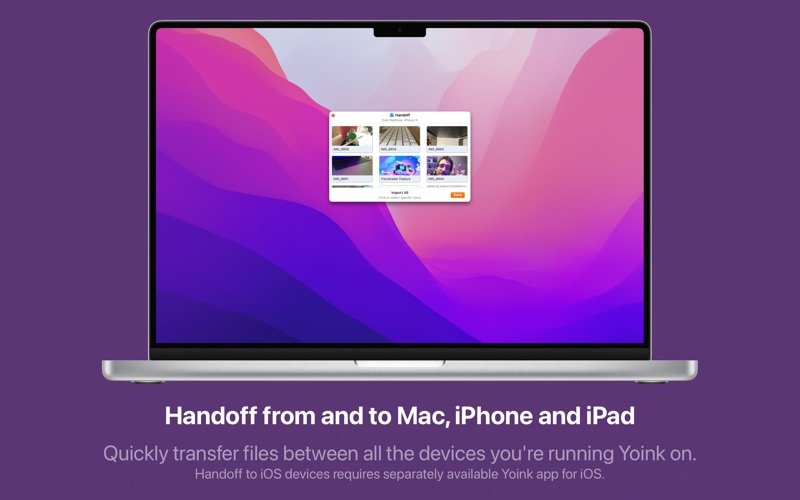
- Multi-Device Sync via Handoff: If you use Yoink on multiple Macs or have the companion iOS app, you can seamlessly hand off files between your devices.
- Shortcuts & Extensions: Build advanced automation workflows with Shortcuts integration, or use the Quick Action and Share extensions to send files directly to your shelf.
Who is This Productivity Tool For?
This utility is a must-have for creative professionals, developers, writers, and anyone who routinely works with multiple full-screen applications or complex folder hierarchies. By freeing up your mouse cursor and removing physical strain, Yoink - Better Drag and Drop transforms a basic operating system function into a highly efficient, customizable powerhouse.
Our Editorial Verdict
If you are looking to streamline your desktop organization and eliminate the friction of managing assets across multiple monitors or spaces, this tool is an exceptional investment. To elevate your macOS workflow, visit the official Mac App Store to purchase and download Yoink - Better Drag and Drop today.
Rate the App
User Reviews













Popular Apps










Editor's Choice